From no website to one customers can call or WhatsApp from in one tap
- Client
- Sarvoday Solar Solutions, Ratnagiri, Maharashtra. Founder: Dattatray Karkare
- What
- A 14-page business website
- When
- Built and handed over in July 2026; real photos added in September 2026
- My role
- Requirements, decisions, client communication, testing, launch and setup. I used AI tools to write the code (details below)
The situation
Sarvoday Solar Solutions installs solar systems in and around Ratnagiri. It had no website. Someone who heard about the business had no way to check it was real before calling, and it didn’t appear when people searched for things like “solar Ratnagiri”.
Mr Karkare was clear about what mattered to him, in this order: a site that exists and is easy to use, being found on Google (especially locally), and launching quickly. He wanted Sarvoday to come up even when someone searched for something as broad as “solar in Ratnagiri”. Animation and visual polish were not on the list.
What I looked at first
Before building anything, I studied two competitors’ websites. One had the right information (full address, phone, reviews, subsidy details, services split by customer type) but was a heavy site with a shop, a loan calculator and a blog. The other built its pages in the visitor’s browser, so a search engine reading it found almost nothing. Its page description was still the default text left by the tool used to create it.
That second finding set the direction. Every page of Sarvoday’s site would arrive as finished text, with its own title and description, so Google could read all of it.
What I built
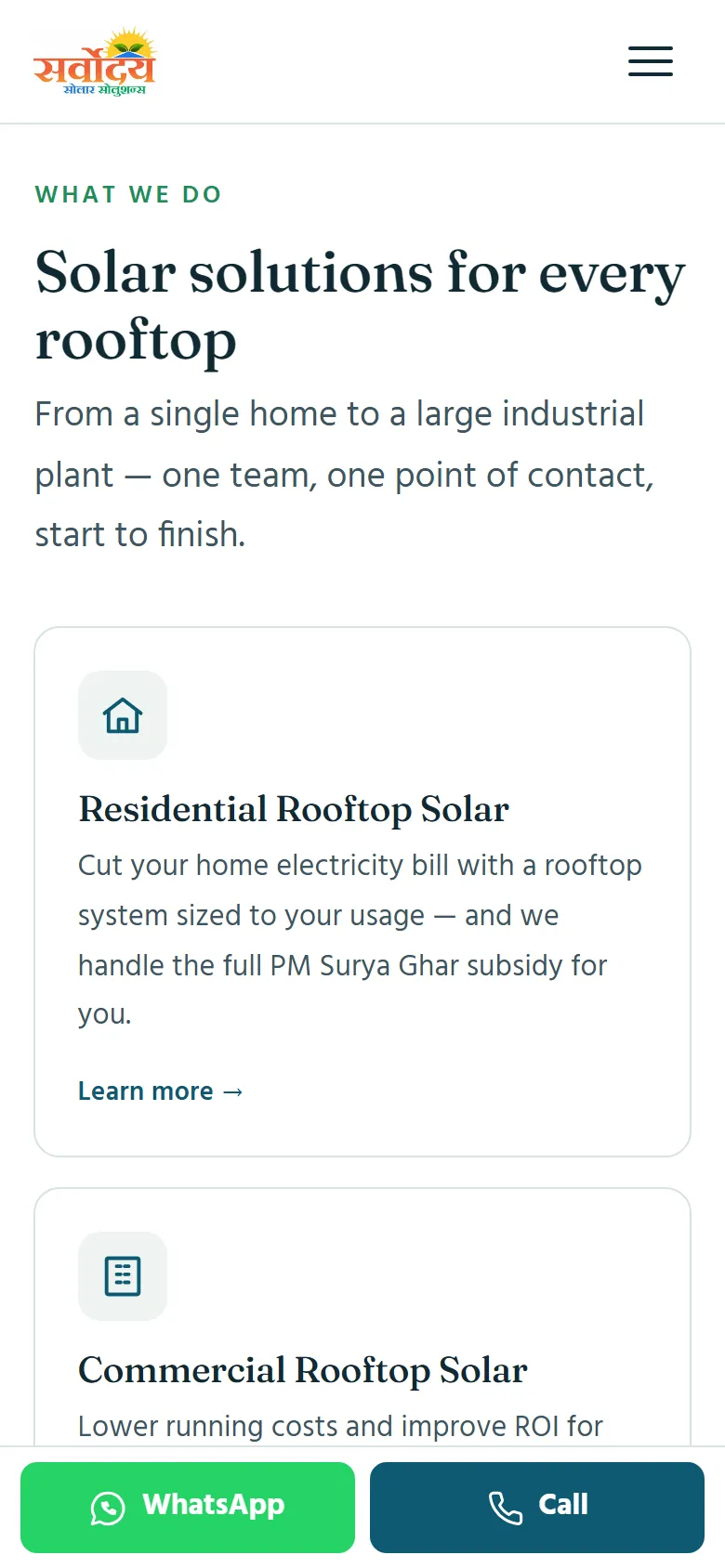
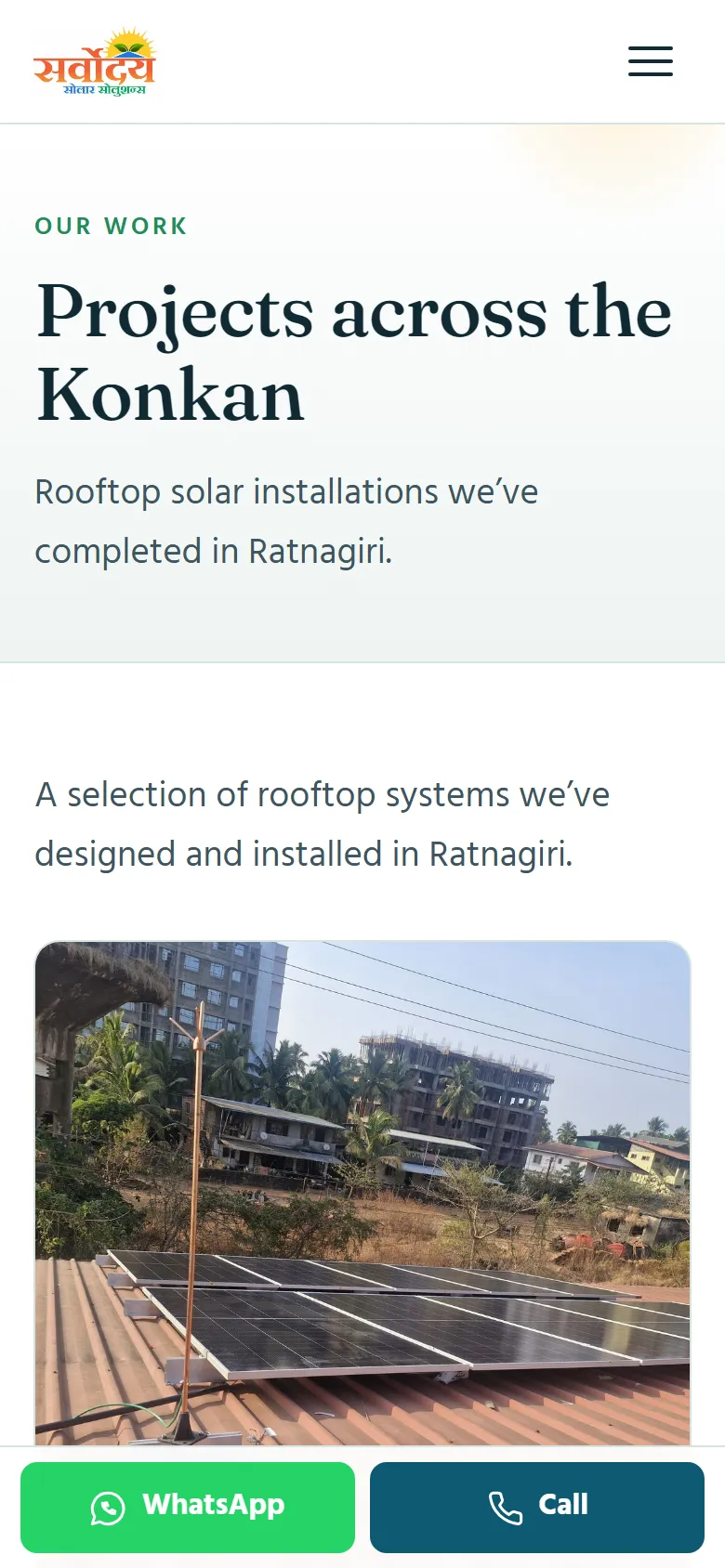
- 14 pages: home, about, a services overview, six service pages, projects, contact, a quote request page and FAQ.
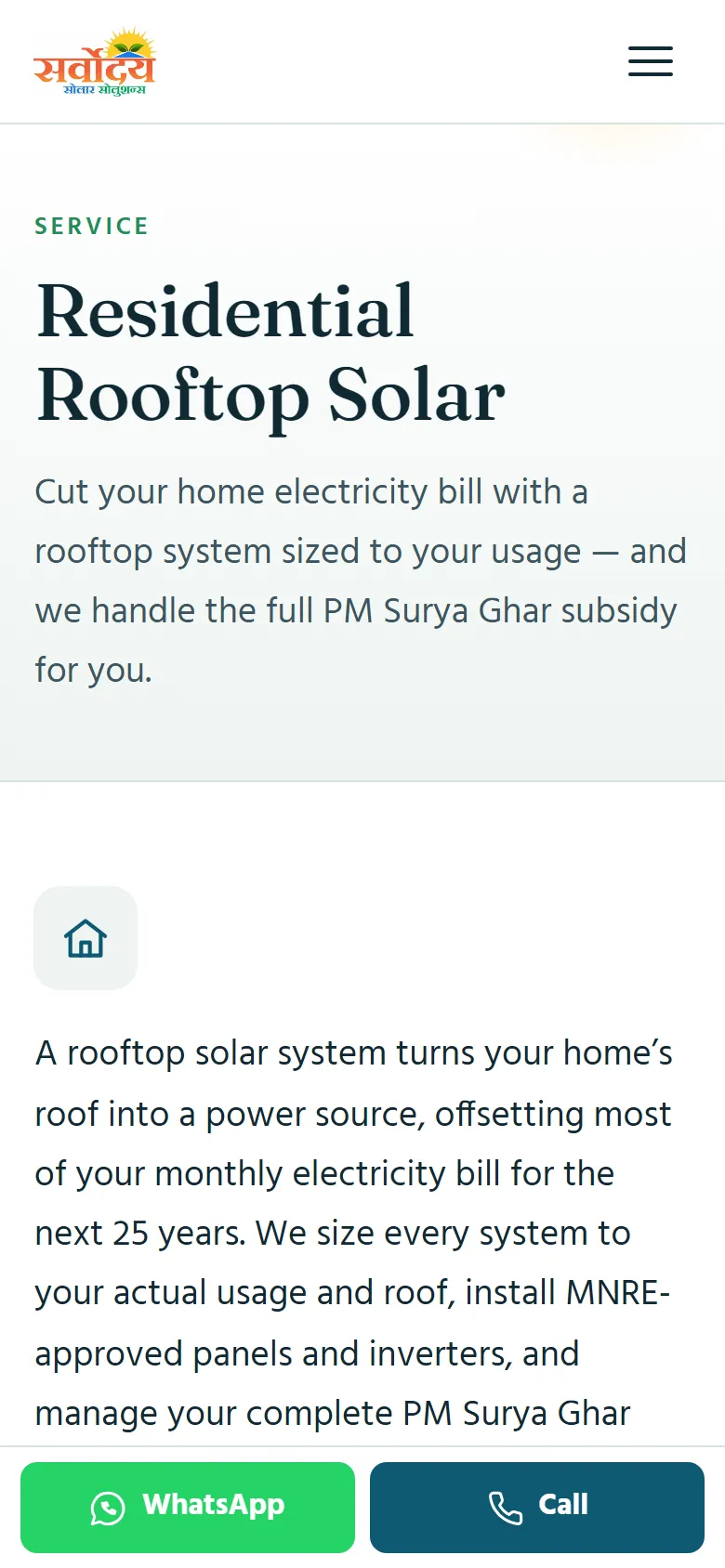
- Six service pages instead of one. Rooftop solar, commercial, industrial, housing societies, panels and inverters, and maintenance each have their own page, so each one can match what people search for.
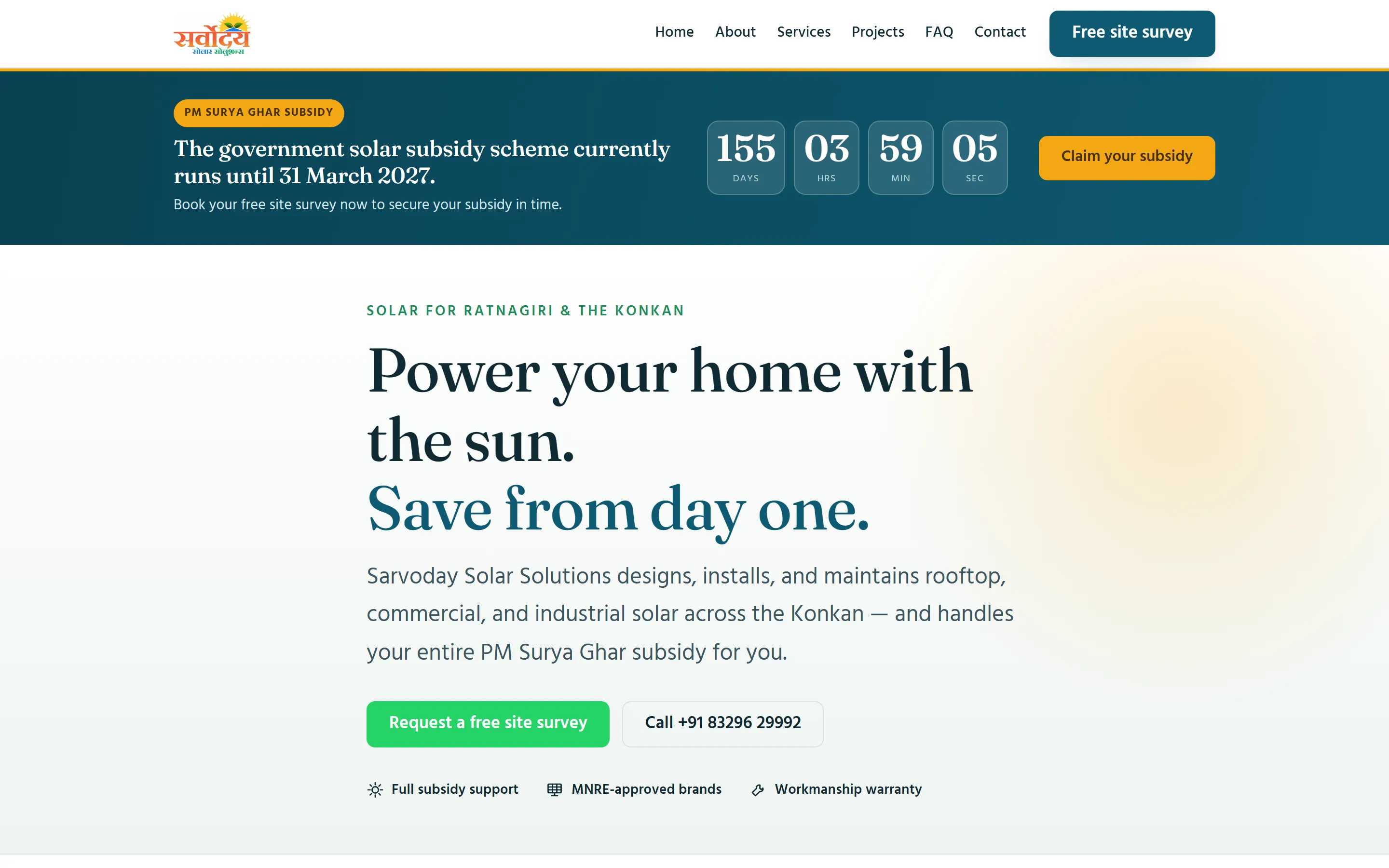
- A subsidy countdown at the top of the home page, counting down to 31 March 2027 under the PM Surya Ghar scheme. Mr Karkare asked for it, and I checked the date against the scheme’s own sources before it went in.
- WhatsApp and call buttons that stay at the bottom of the screen on phones. Calls and WhatsApp go to two different numbers, because the owner doesn’t use WhatsApp on his main line.
- A different pre-written WhatsApp message on each page, so the business can tell which page an enquiry came from.
- A quote form with the fields Mr Karkare asked for: monthly electricity bill, consumer number, roof type, roof area and system requirement.
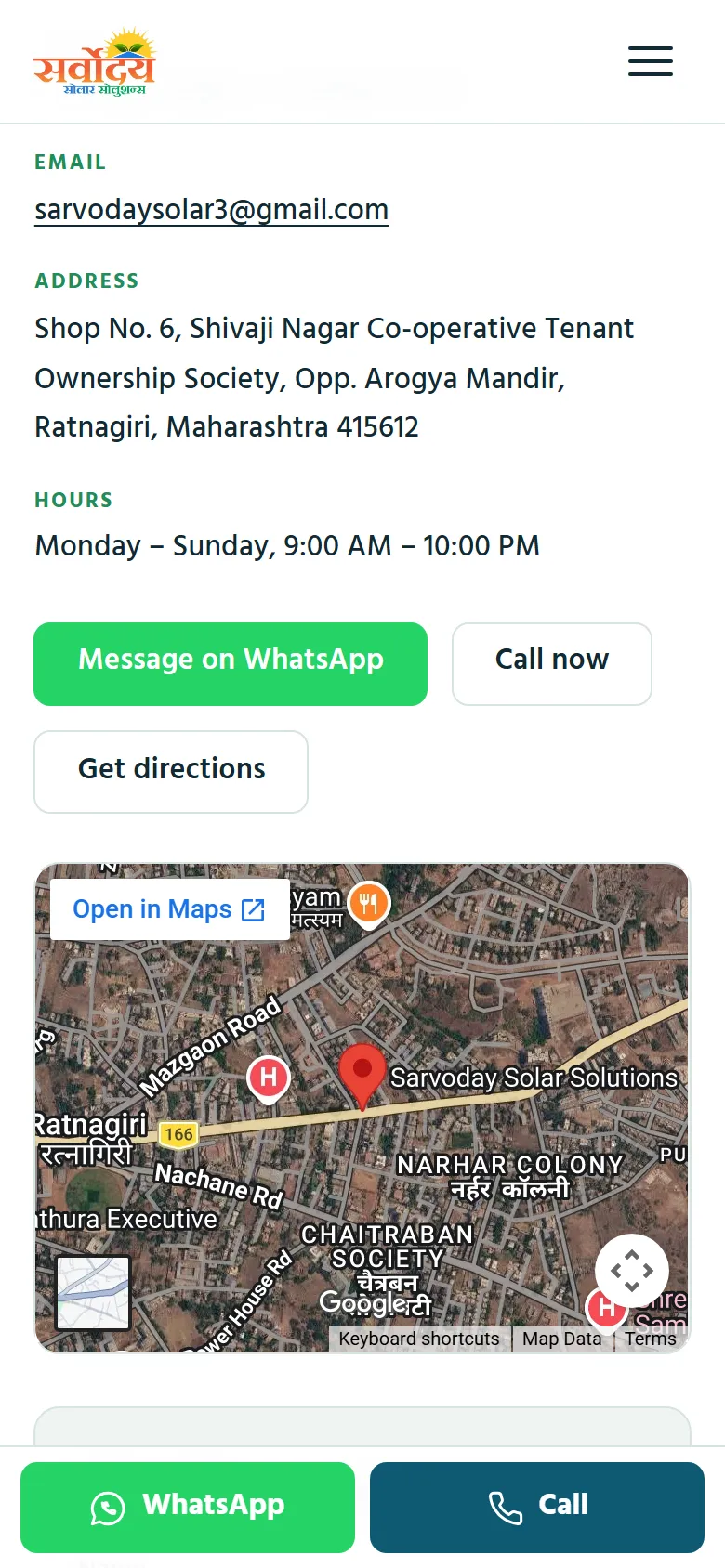
- A map and “Get directions” button on the contact page.
- Built for Google: every page has its own title and description, the FAQ and the business details are marked up in the format Google reads, and Google is given a list of every page.
- Real photos of his installations, office and shop. The original set was cut from about 90 MB to about 7 MB.
- All business details in one file. When the WhatsApp number changed later, it was a one-line edit, even though the number appears on every page.
What I set up outside the website
- The domain is registered in the client’s name.
- Hosting is on Cloudflare Pages. Its free plan allows commercial sites; Vercel’s free plan doesn’t.
- I created and verified the Google Business Profile. Mr Karkare is the owner, and I’m added as a manager instead of holding his password.
- I verified the site in Google Search Console and submitted the list of pages.
- The business name, address and phone are identical on the site and the Google listing.
If we ever stop working together, nothing of his goes offline, and I never hold logins I shouldn’t.
Choices I made about what not to publish
- No made-up numbers. The first design had a statistics section. Mr Karkare didn’t have real installation counts, so I removed the section instead of filling it with guesses.
- No “authorised dealer” claims. The business has no dealership agreement, so the brand strip says “MNRE-approved brands we install”, which is true.
- No price list. His shop banners include prices. Prices on a website go out of date and are hard to take back, so the banners stayed off the site.
- No customer names on the project cards. They describe the work, not the people.
The hardest part: getting the address working
For the owner, this was the part he shouldn’t have to deal with, and I handled it, apart from one step only he could do.
Putting the site on sarvodaysolar.in took four steps, each blocking the next:
- The domain was on hold until the owner completed the registrar’s identity check.
- I then moved the domain’s settings to Cloudflare.
- A “Not Secure” warning turned out to come from the temporary test address, not the site.
- Finally, I connected both sarvodaysolar.in and www.sarvodaysolar.in.
Where it stands
- Live on its own domain with HTTPS. Visit sarvodaysolar.in (opens in a new tab)
- Mr Karkare tested the site himself and approved it. When I showed it to him and his mentor, who has worked in the solar industry for 40 years, both said they were impressed with how it looked.
- Google Business Profile verified; Search Console set up.
- I haven’t measured where the site ranks on Google yet, so I don’t claim a position.
- He then came back and asked me to build his customer follow-up system (the CRM below).
We didn't have a website before. Mr. Atharva built one that looks professional and is easy to use on a phone. People have seen it and contacted us about solar installations. He also took care of the domain and our Google listing, so I didn't have to deal with the technical side.
How the work was split
I used Claude to build the first version from the requirements I gathered, and Claude Code to write every change after that, from task instructions I prepared. I checked the changes myself, including on phones, before they went live.
The rest was my work: the client questionnaire and requirements, the competitor research direction, the technology and hosting choices, every conversation with the client, checking every fact on the site (I caught a wrong pincode and had the subsidy date verified), doing the whole launch by hand (domain, DNS, hosting, HTTPS), the Google setup, the site visit for photos, testing on phones, and fixing problems when they came up.
Built with: Astro, Cloudflare Pages, Web3Forms (form delivery).